Creating a relaxing home workspace is essential for maintaining focus, reducing stress, and enhancing productivity—especially as more people work remotely. A thoughtfully designed workspace can help you stay comfortable and motivated throughout the day. Whether you have a dedicated office or just a small corner, this guide will show you how to create a calming environment that supports your work and wellbeing.
Assess Your Space and Needs
Before you begin, take a moment to consider your workspace requirements. Ask yourself:
– How much space do I have?
– What type of work will I be doing?
– What items do I need within reach?
– How much natural light is available?
Understanding your needs will help you tailor your workspace to your daily routine and preferences.
Choose the Right Location
Select a spot in your home that minimizes distractions and offers some privacy. Ideally, the area should:
– Be away from high-traffic zones
– Have access to natural light
– Allow for good ventilation
If a separate room is unavailable, try to create a dedicated corner that feels separate from your living space.
Invest in Comfortable Furniture
Comfort is key to a relaxing workspace. Consider these elements:
Ergonomic Chair
Choose a chair that supports your posture and provides adjustable features such as height, lumbar support, and armrests.
Desk
Your desk should be at a comfortable height to avoid strain. If space allows, a larger desktop can help keep your work materials organized.
Optional Accessories
– Footrest for better leg comfort
– Adjustable monitor stands to reduce neck strain
– Keyboard trays for ergonomic hand positioning
Create a Calming Color Scheme
Colors can affect mood and productivity. For a relaxing workspace, try soft and muted tones such as:
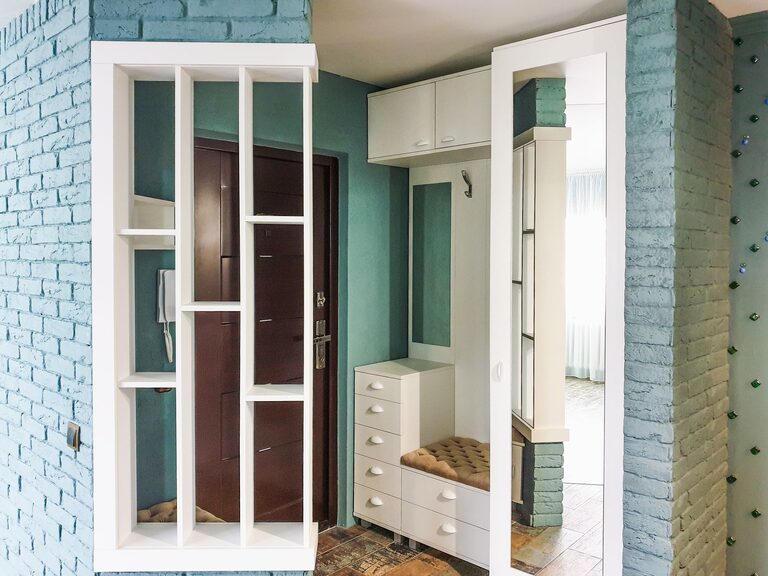
– Light blues or greens for calmness
– Neutrals like beige, gray, or off-white for a clean look
– Avoid overly bright or distracting colors that might increase stress
You can add color through paint, furniture, or decorative accessories.
Optimize Lighting
Good lighting reduces eye strain and improves focus. Aim for:
– Plenty of natural light during the day
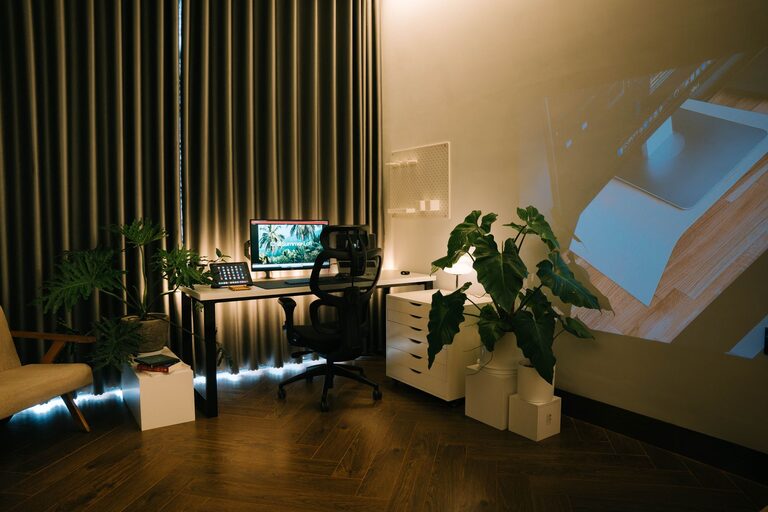
– A combination of overhead and task lighting
– Adjustable lamps so you can control brightness
Position your desk near a window if possible, but avoid glare on your screen.
Reduce Clutter and Organize
A tidy workspace promotes relaxation and efficiency. Use these tips:
– Use storage solutions like shelves, drawers, or boxes
– Keep only essential items on your desk
– Organize cables with clips or wraps to avoid tangling
– Regularly declutter your space to maintain order
Add Personal Touches Wisely
Decorate your workspace with items that inspire and relax you without causing distractions. Some ideas include:
– A few framed photos or artwork
– Plants to add greenery and improve air quality
– A small diffuser with calming scents like lavender or eucalyptus
Keep decorations minimal to maintain focus.
Incorporate Soothing Sounds
Background sounds can either enhance concentration or disrupt it, depending on the person. Consider:
– White noise machines or apps
– Soft instrumental music or nature sounds
– Noise-cancelling headphones to block out distractions
Experiment to find what works best for you.
Maintain a Comfortable Temperature
Ensure your workspace stays at a comfortable temperature. Use fans, heaters, or air purifiers as needed to create an inviting environment.
Establish Boundaries
To keep your workspace relaxing, set clear boundaries with family or roommates to minimize interruptions during work hours. This helps maintain your focus and work-life balance.
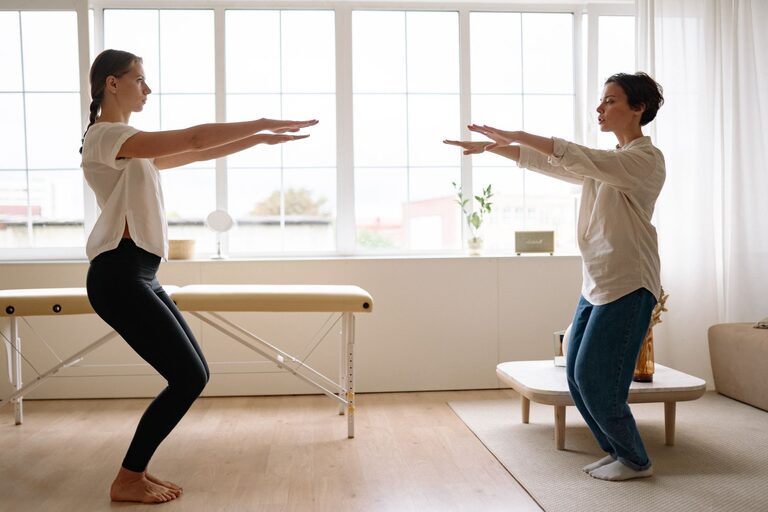
Take Regular Breaks
Even in a relaxing space, long hours without breaks can cause fatigue. Use techniques like the Pomodoro method—working in focused bursts with short breaks—to recharge your mind.
—
Designing a relaxing home workspace doesn’t require a big budget or a large area. With careful planning and some thoughtful touches, you can create an environment that nurtures productivity and calmness. Start small, adjust as you go, and enjoy the benefits of a workspace that feels just right.
About the Author